The marker went on a clip, not the sequence
Premiere adds a marker to whatever is selected. With a clip selected in the Timeline, M adds a clip marker, which is drawn on the clip and not in the time ruler. Clear the selection before adding a sequence marker.
The Markers panel follows the same rule. It lists sequence markers while the Timeline is active, and clip markers when a clip is selected or open in the Source Monitor.
A filter or a display setting is hiding it
The Markers panel has color filters and a search field. If a color is switched off, or the search field still holds text, matching markers leave the list while staying in the project. Clear both.
Clip markers also have a Timeline display setting. Open the Timeline Display Settings menu, the wrench icon, and make sure Show Clip Markers is on.
The clip marker is outside the trimmed range
A clip marker belongs to the source. If it sits in a part of the source that the timeline clip does not use, it does not appear on that clip. Open the clip in the Source Monitor to see every marker on it.
If a marker is missing from the MarkerBuddy panel
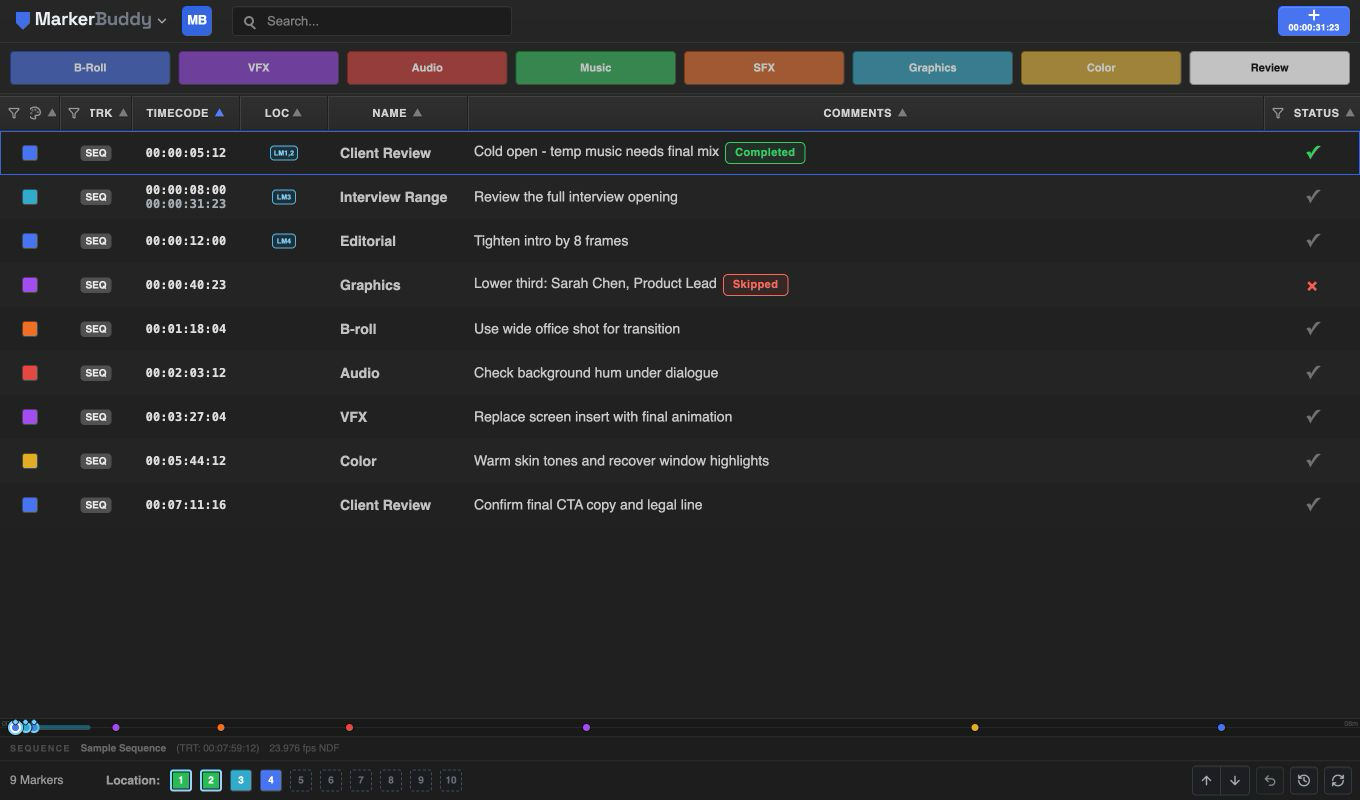
MarkerBuddy shows the sequence markers and clip markers of the active sequence in one table. When the Color, Track, or Status filters or the search box hide every row, the table reads "No markers match your current search." Click Clear Filters in the header and empty the search box.
The footer count shows visible and total markers when rows are filtered. If the list looks out of date, click the refresh button in the footer to re-read every marker from Premiere. MarkerBuddy lists a clip marker only when it is inside the used part of its clip, and it needs an open, active sequence.
Find a missing marker
-
Clear the selection
Click an empty area of the Timeline so no clip is selected.
-
Open the Markers panel
Choose Window > Markers and clear its color filters and search field.
-
Check the clip
Select the clip, or open it in the Source Monitor, to list its clip markers.
-
Turn on clip markers
In the Timeline Display Settings menu, switch on Show Clip Markers.
Common causes
- A marker added while a clip was selected
- A color switched off in the Markers panel
- A clip marker in an unused part of the source
- Notes imported into a different sequence
Markers in exported files
This guide covers markers inside a Premiere project. Whether markers appear in an exported file depends on the export format and the player.
